Event times all start at 12am (iOS)
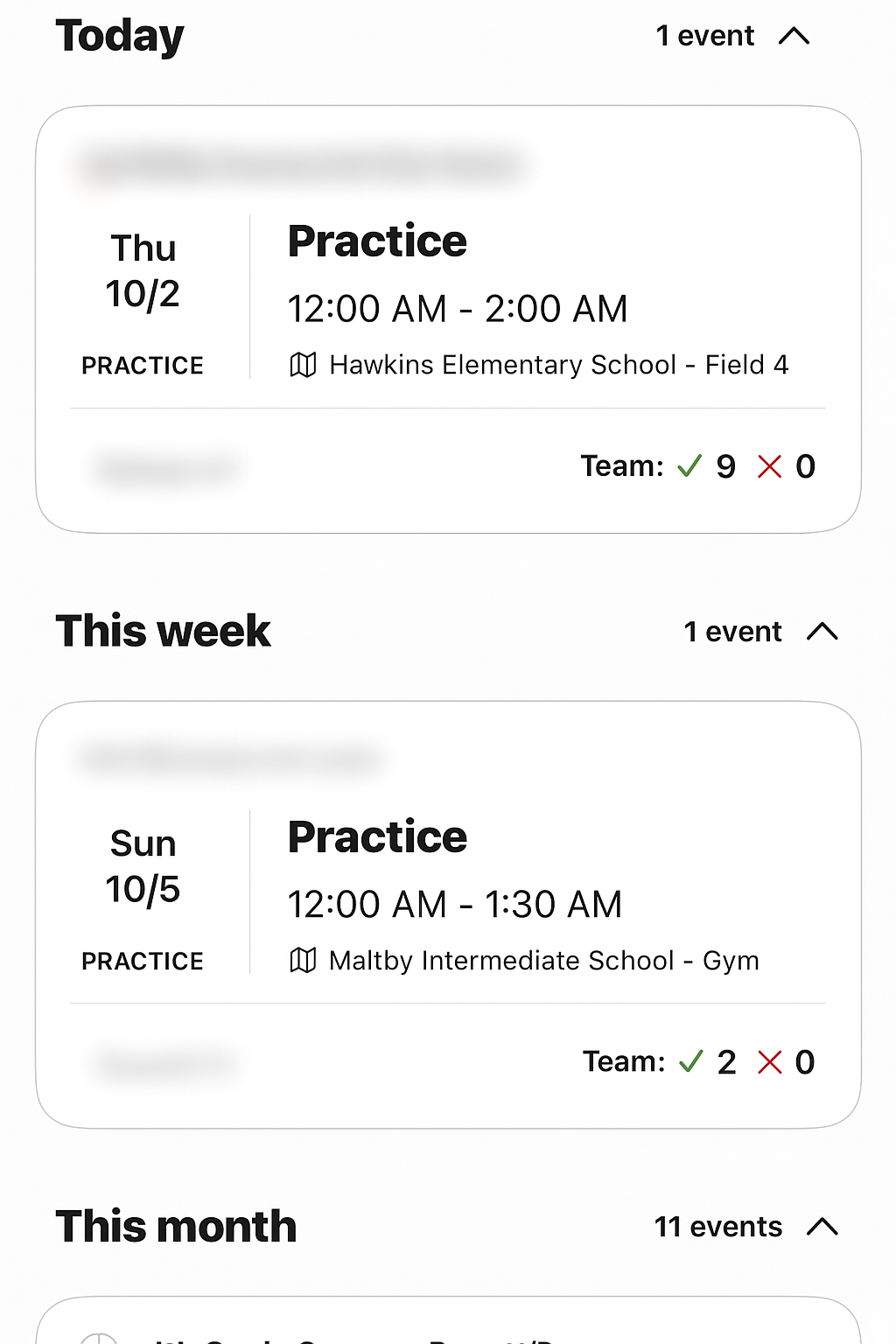
Depending on the settings on your iOS device, there are instances where the events in your Schedule all start at 12am. This is obviously not right unless you have a team that likes to play in the middle of the night!
Events in your schedule might look something like this:
Luckily, there is an easy fix to reset the time settings on your iPhone.
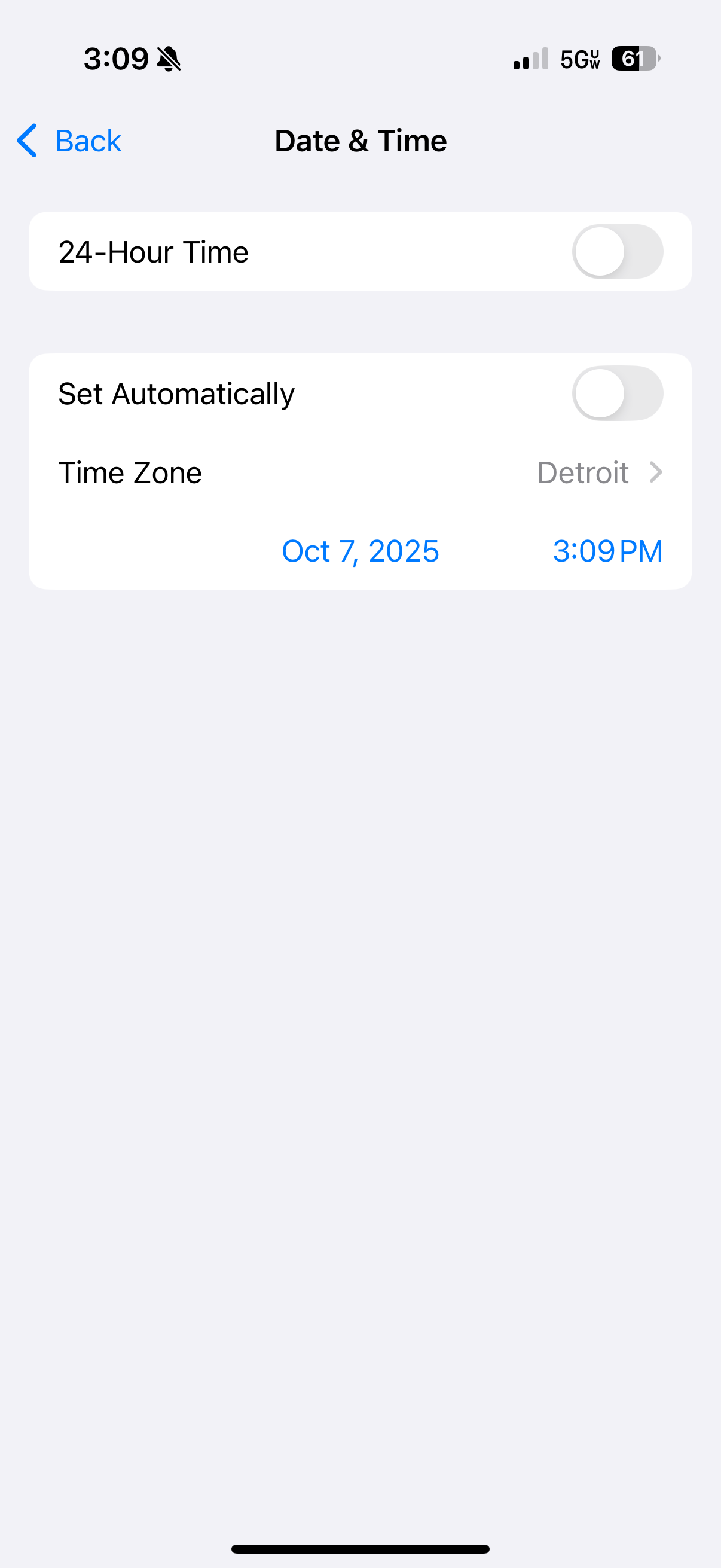
- Go to Settings -> General -> Date & Time
- Toggle the 24-Hour Time to enabled
- Open the TeamSnap ONE app and pull to refresh on the Home tab
- Close the app
- Go back to Settings and turn 24-Hour Time to disabled
- Go back to TeamSnap ONE and see if the event times are updated to correct start times